
Sorry, Your Order Contains Suspicious Characters
A field guide to WAF false positives - the blocks that hit the good guys. Part 1 of 3.


Your WAF is blocking some of your legit clients1, and the evidence often doesn't reach your application logs.
What false positives look like in the wild, why they’re so hard to spot, and the first story: a share button that dies at 21 KB.
Coming up in the series: an unlucky tracking cookie, users in Portugal blocked in summer, and a live demo where you get stopped by a widely used WAF ruleset.
What is a WAF false positive?
Your WAF asks the same question about every request to your application: is this one safe to let through? Whether you serve pictures of cats, run a hundred-year-old bank, or ship a feature three times a day, it asks that millions of times an hour.nGet it wrong one way and you open the door to abuse. Get it wrong the other way and you block a paying customer.
That’s a false positive, and it usually goes unnoticed.
What a blocked user actually sees
Sometimes, nothing. An icon spins and never finishes, a page half-loads, a form just doesn’t submit.
Or they get some generic "Something went wrong" toast.
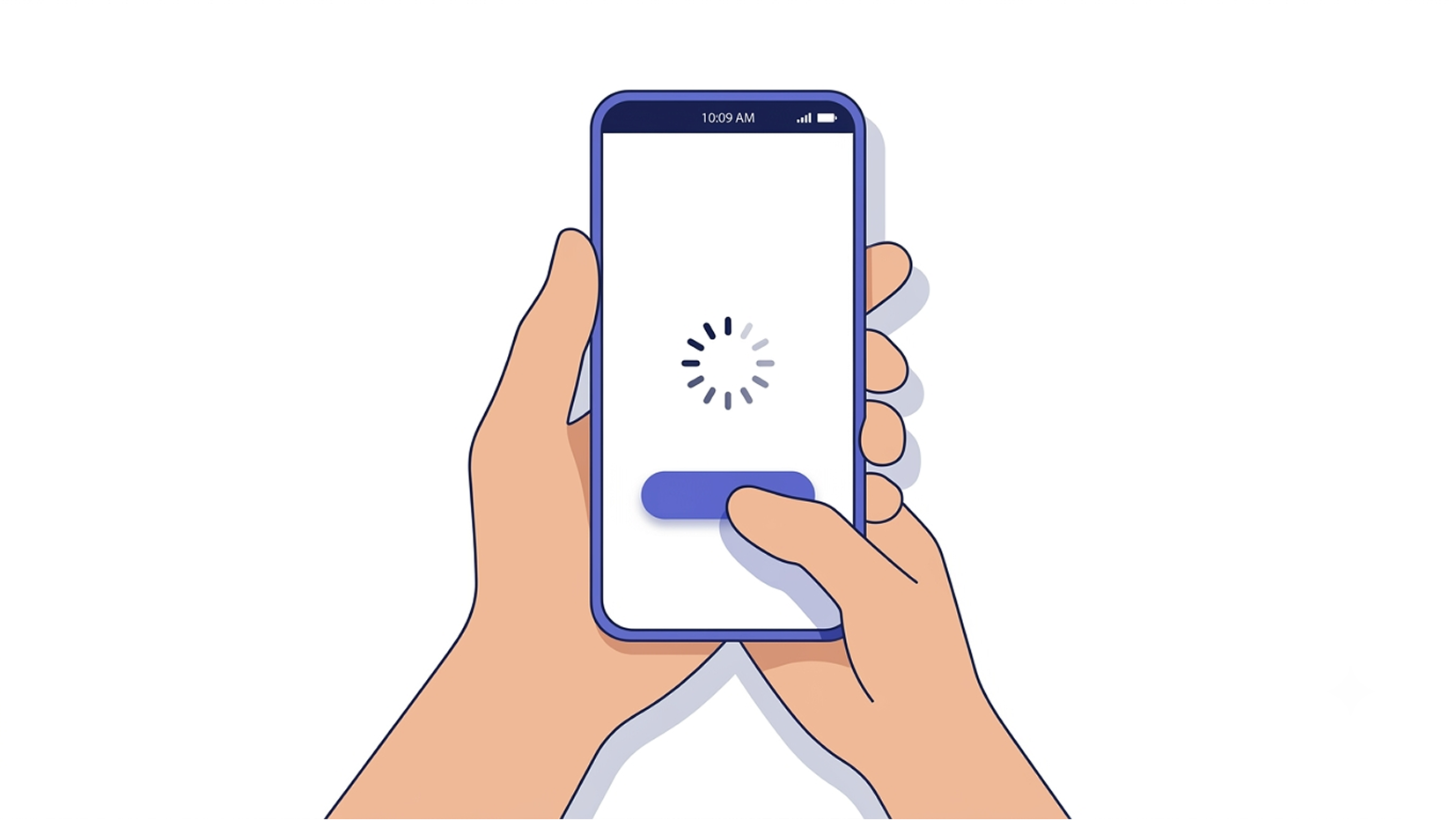
If they’re lucky, they see a page like one of these - which tells a normal person approximately nothing:
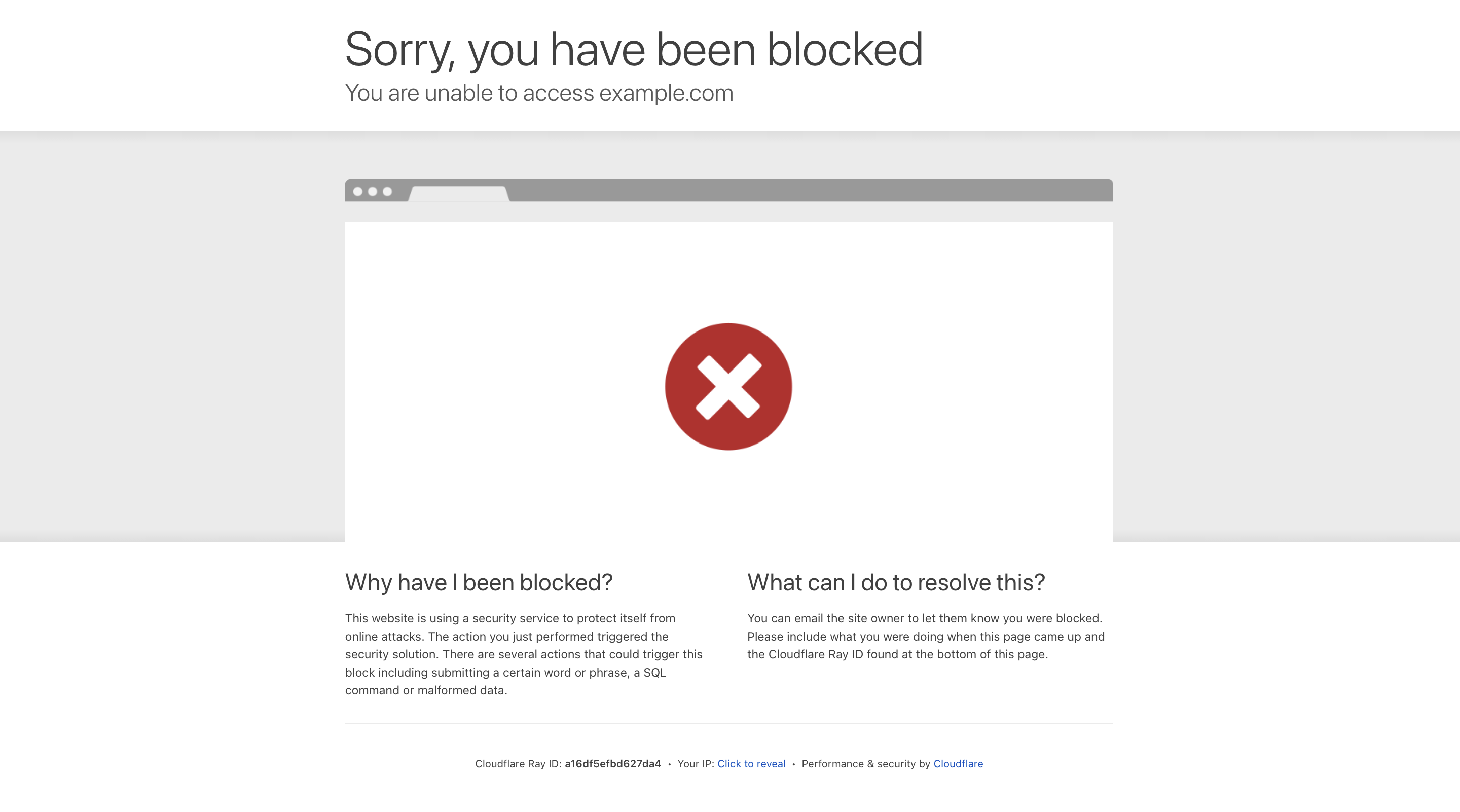
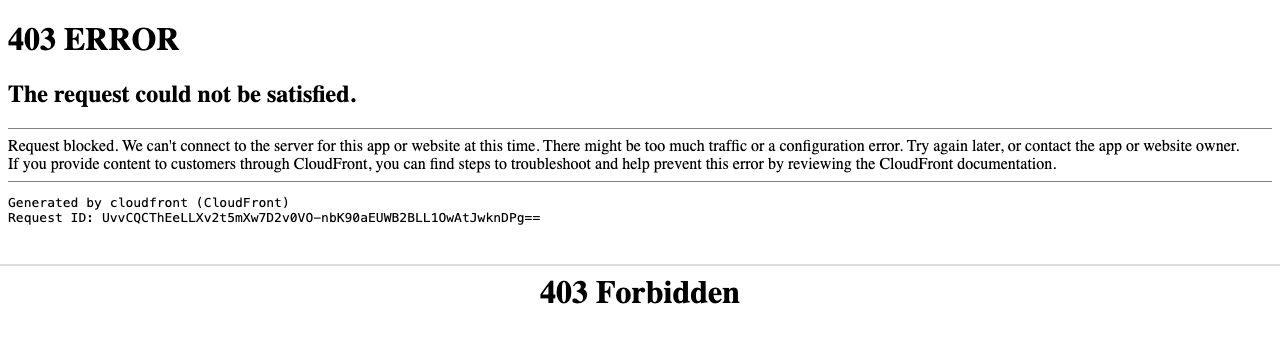

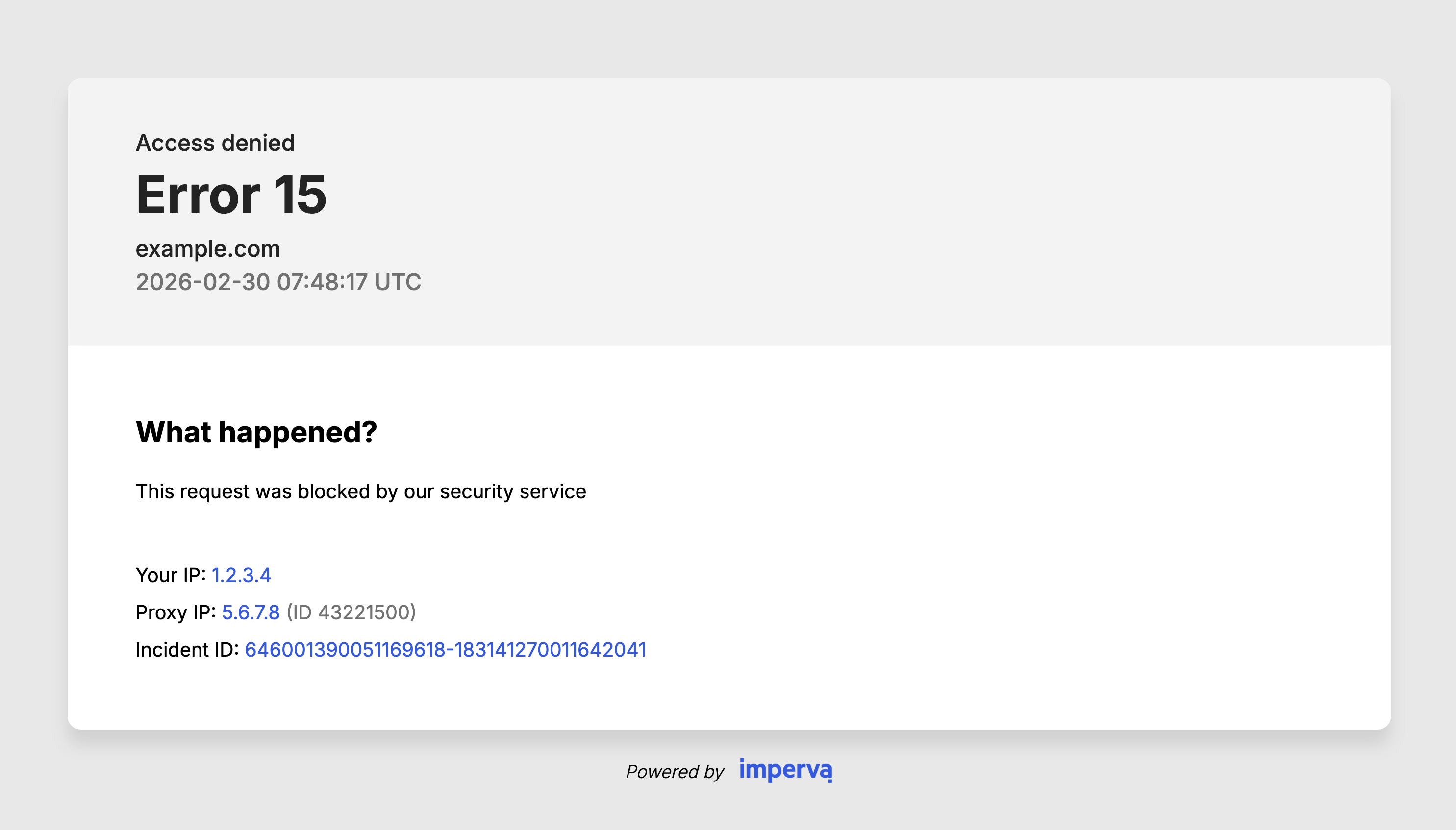
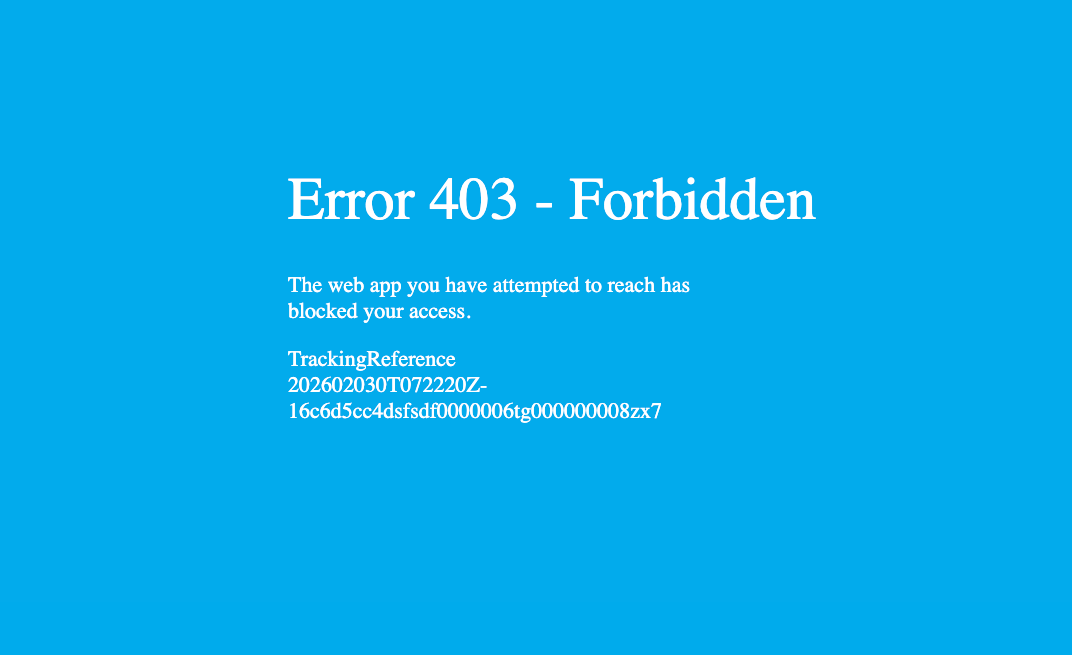
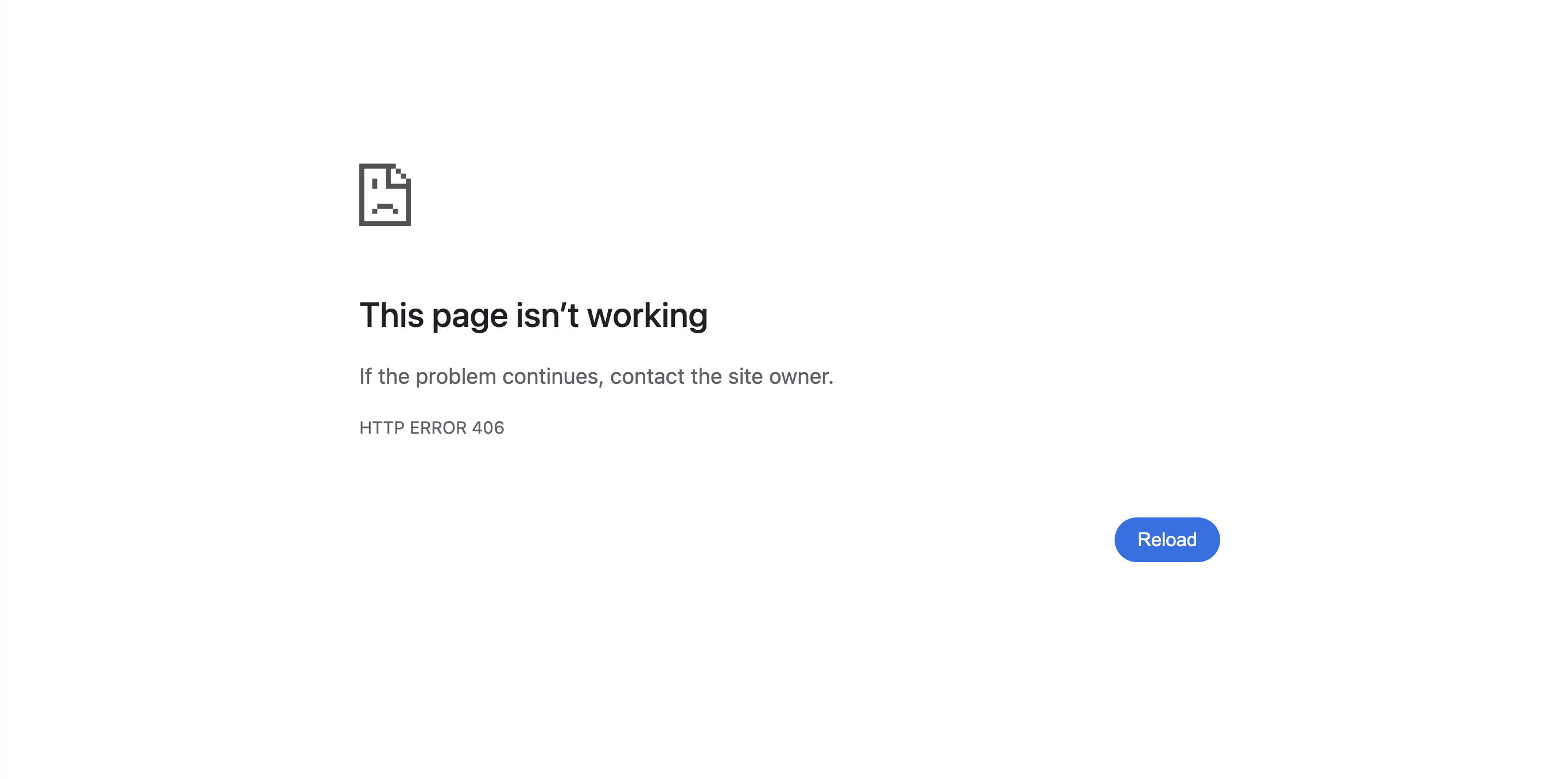
Default block pages. (Click to zoom)
False positives in the wild
We could fabricate the examples: a ticketing company that blocks URIs containing “eval,” so nobody can buy tickets to the Medieval festival; a bank named “Credit Union Select” its own customers can’t look up; a glowing review of the Seashell Café that never posts. But we didn’t have to.
…Okay. The Medieval one is true.
This guide explains how your users can get locked out from parts of your site,
why it's so hard to spot, and what it costs you.
It is told in three parts,
through three companies whose names we’ve changed,
and whose logs we haven’t.
Why this keeps happening
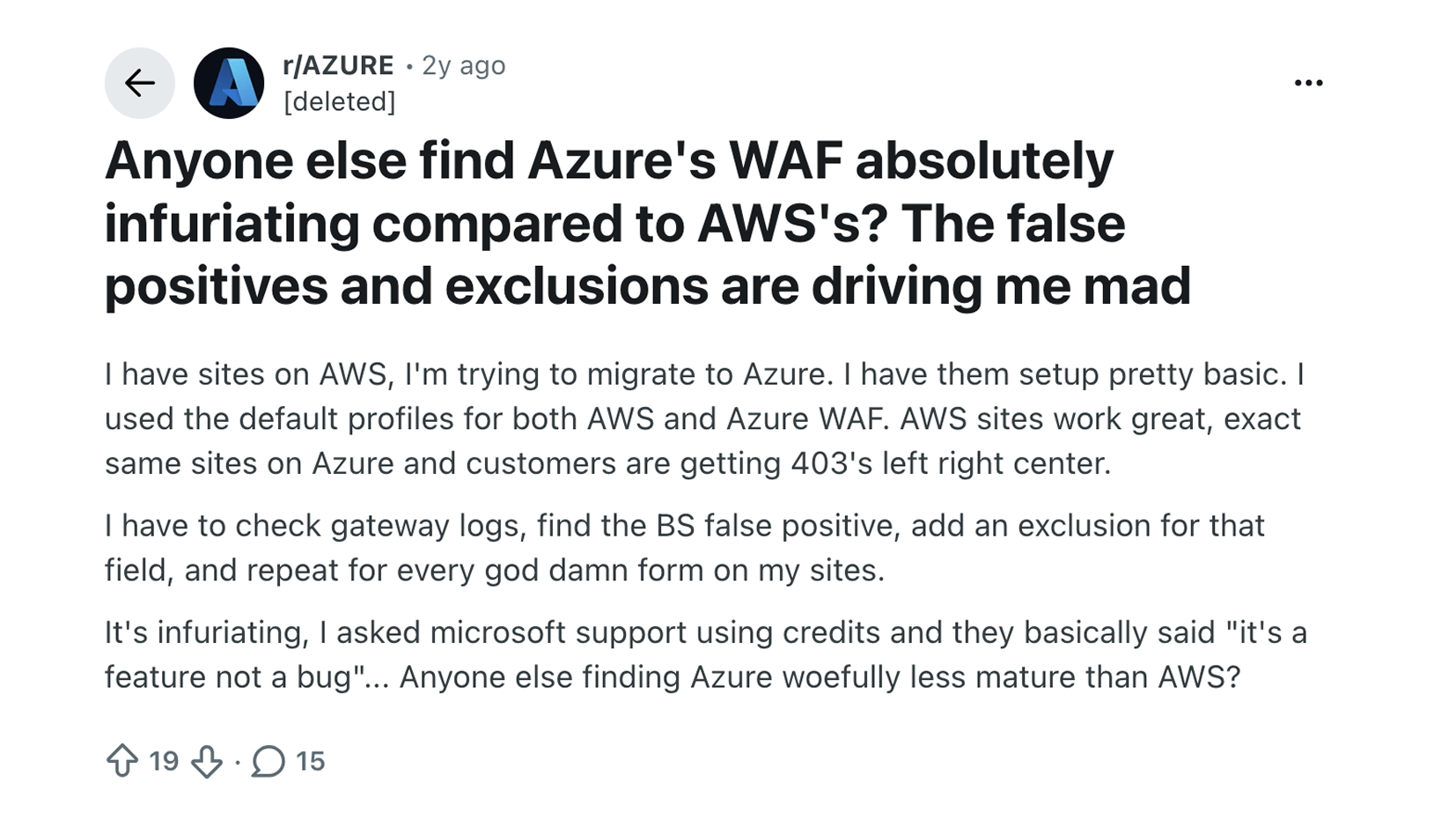
Apps and rulesets both change faster than anyone checks
WAFs have always had false positives, but apps now change much faster. With LLMs in the toolchain, an app that used to change quarterly now changes weekly: new fields, new endpoints, new third-party scripts, any of which can trip a rule written for an older version of the app. The rules move too: managed rulesets update when the vendor decides, and arrive in bulk. The OWASP Core Rule Set gets added onto new WAFs often by default, hundreds of rules at once, usually from a default template built for some average application.2 Both change independently, and usually nobody is responsible for checking that they still fit.
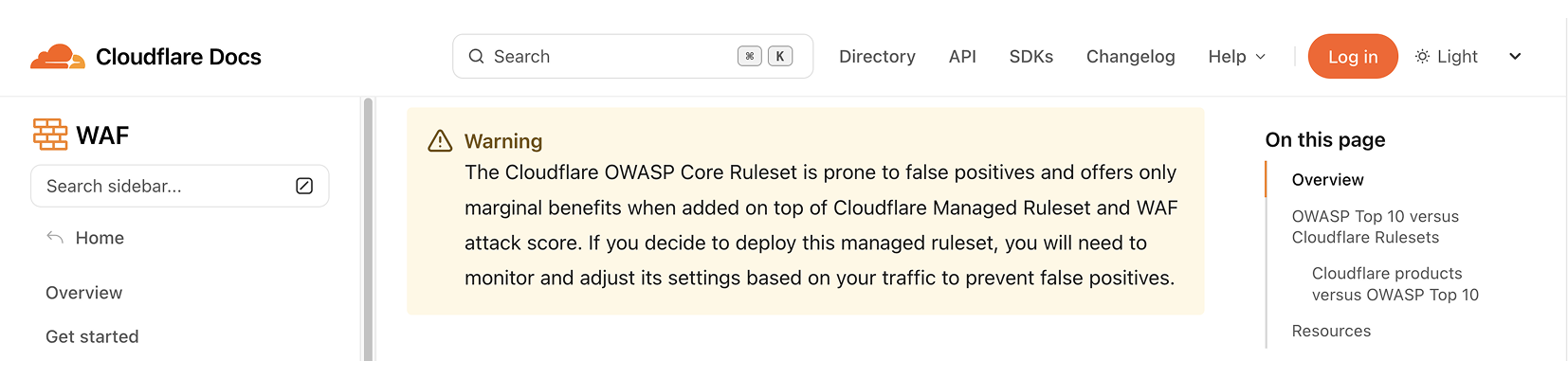
The vendors’ own documentation warns about this:
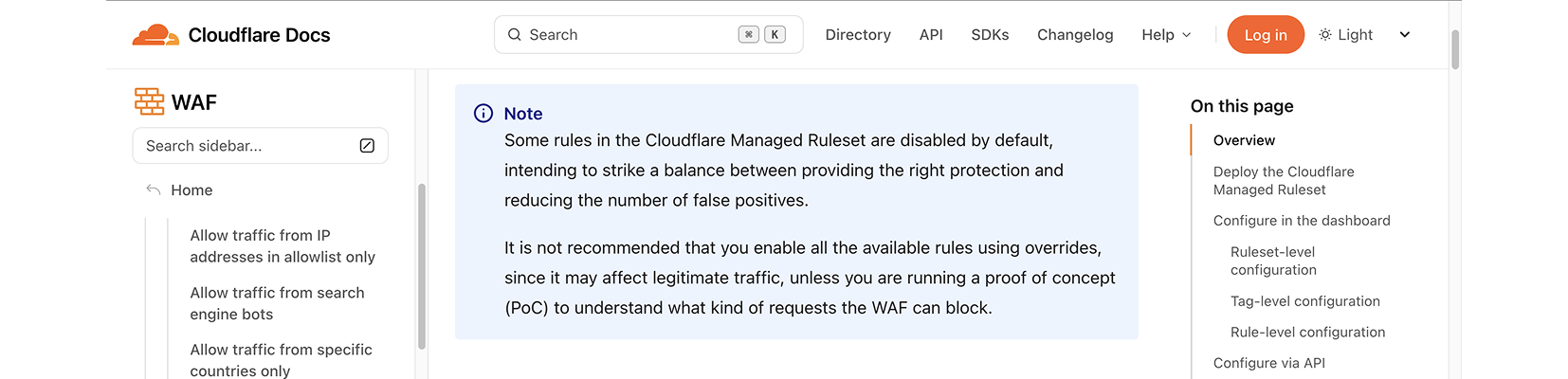
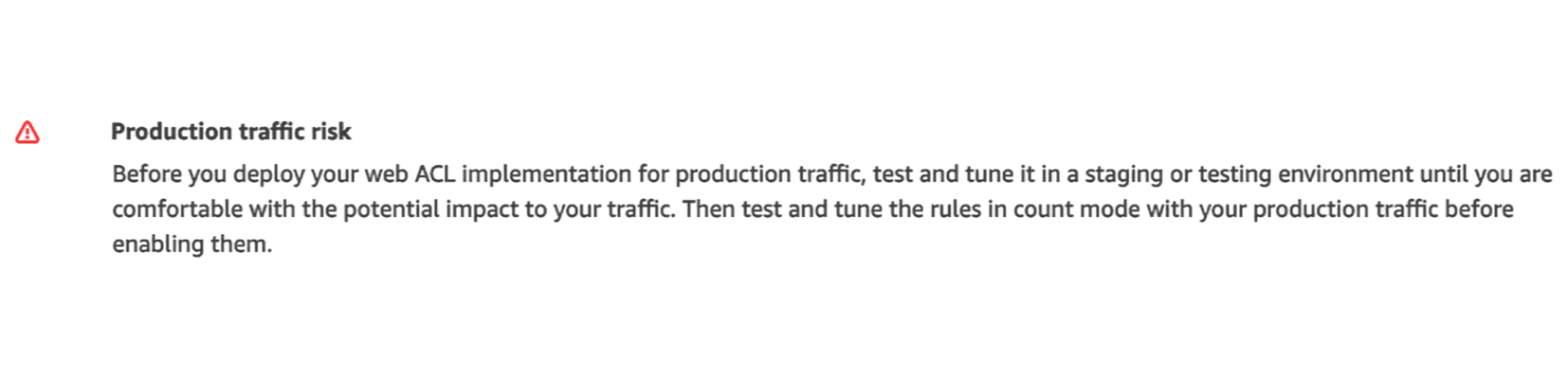
Most teams deploy anyway, and it’s hard to blame them. Doing it “properly” means a deep dive into logs, or running every new rule in count mode for weeks and judging everything it would have blocked, attack or customer, then repeating that on every app release and ruleset update. Nobody staffs that, so most teams enable the rules and hope for the best.
Why false positives are invisible
The wrong blocks are also nearly invisible. They’re usually a small share of requests - but they hit your best-intentioned users, and they never show up in your application logs: the request died at the edge, so your backend never saw it. The evidence lives only in the WAF logs, which most teams never look at. Users don’t file tickets. They retry, give up, and trust you a little less. Security sees a WAF doing its job, finance sees at most a small dip in conversion.
Often it’s only a couple of endpoints under specific conditions, and even the app’s own telemetry misses them: a cross-origin WAF block reaches the frontend as a generic “network error,” lost in the flaky noise nobody investigates.
Case Files
Stories from real WAF logs, involving the same managed-rule families you’re probably running.
Story 1 is below. Stories 2 and 3, telling the tales of "unlucky cookies" and "bad languages", are in future posts in this series.

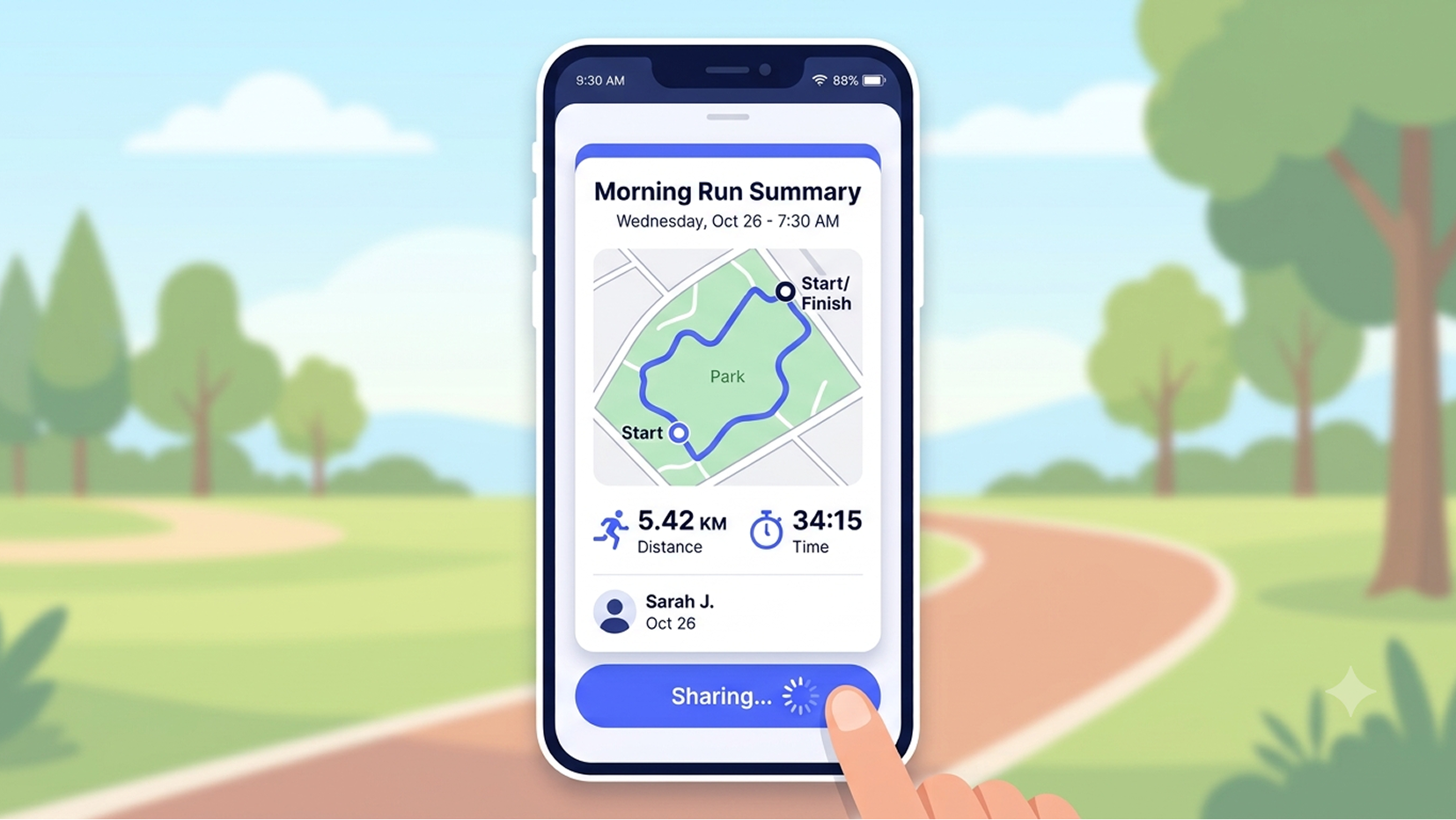
Trailhound is a fitness app: you run, hike, or walk the dog, the app records your route, and you share it with friends. It has millions of users, almost all on phones. When you tap Share, the app POSTs your workout to the API: stats, a note, and the GPS trace. Most workouts weigh a few kilobytes. A long Sunday trail run with a detailed route can reach 21.
How WAF request-body size limits work
Almost every WAF ships with a request-body size limit, and almost everyone turns it on without reading the fine print. On AWS it’s SizeRestrictions_BODY, part of AWSManagedRulesCommonRuleSet, with a default limit of 8 KB. It exists for a pretty good reason: most WAFs have inspection limits, for performance reasons. They only look at the beginning of the payload, so an attacker could hide a payload past that point. Blocking oversized bodies closes the gap.3
Trailhound’s team had actually done the responsible thing. They knew about the 8 KB default, knew their workouts ran bigger, and got themselves an effective limit of 20 KB4, more than double the default.
What one day of logs showed
Then we looked at one day of logs for the share endpoint. Out of roughly 50,000 requests, 2,237 were blocked for their size (about 4.5% of the endpoint’s traffic), at 21, 24, 28 KB: the longest runs and the most detailed routes, the endpoint’s normal traffic at the top end. Each tap on Share got a 403 the app wasn’t built to handle: the runner saw a spinner, and the backend never saw the request.
Why it went unnoticed
It's easy to miss partly because the same rule was also catching genuinely abusive, multi-megabyte requests, so it never looked broken.
Mostly, it was drowned out: scanners and attackers trip different rules all over a site, across all its endpoints, all day, and a few thousand blocked uploads looked like more of the same.
Two other endpoints had the same problem.
So,
- The developer who enriched the GPS traces shipped a good feature. No one told them about the WAF, and they had no reason to ask.
- QA's tests passed. Staging had a different WAF policy than prod, or the office IP was allowlisted past the rule, or they didn't think to test larger payloads.
- The security team set a limit that made sense at the time. The app grew past it.
and hundreds of users a day couldn't use a basic function of the app.
Is a 21 KB request a false positive?
It depends on what’s in it, and on context. A tiny request can be malicious, a huge one a perfectly honest workout5. Context means the endpoint: a size limit can be exactly right when the only caller is a search bar with maxlength="50".6 But Trailhound’s endpoint takes a JSON payload whose size is really just “how long was your run”, with no natural ceiling, and every feature that enriches the GPS trace pushes the whole distribution up while the limit stays put.
More legit clients blocked - Rate limits that count the wrong thing
In the same app, we saw rate limits fail legit user as well.
Sometimes the number is set too low, but this time the problem was what the limit counts. Put the WAF behind a CDN and count by connecting IP, and your entire user base can collapse into a handful of edge addresses. Picture a local trail race: a few hundred runners cross the finish line, everyone opens Trailhound to share, and to the WAF it’s one very enthusiastic runner, sorry, IP address, sending four hundred requests. The usual fix is to trust the X-Forwarded-For header instead, and that comes with its own caveats.8
Bad rule example just for fun - User-Agent bypass rules
Also present were User-Agent allowlists: teams write rules that skip every protection for anyone claiming to be ChatGPT (or sometimes curl, try guessing why). As you know, a User-Agent is just a string anyone can set, so a rule meant for a friendly bot waves through any attacker who copies its name. Our platform flags such problematic rules and proposes a quick fix.
- “Legit clients” rather than “users”, because a lot of legitimate traffic isn’t a person in a browser: mobile apps, partner integrations, server-to-server calls, AI agents acting for real people. More on that in Part 2.
- How much a default configuration costs you varies a lot by vendor. Check Point’s WAF Comparison Project 2026 sent the same legitimate and malicious traffic through a dozen WAFs at their default settings: Azure WAF’s default OWASP 3.2 ruleset caught 97.5% of attacks but also flagged 54.4% of the legitimate requests.
- As of 2026, the limit commonly ranges from 8KB to 1MB. For example, Cloudflare has its own version: a Managed Ruleset rule named Anomaly: Body - Large.
- “Effective” limit, because the managed rule’s 8 KB threshold itself isn’t editable; the 20 KB is an arrangement of rules, not a setting.
- The catch: the WAF inspects the body in flight but rarely logs it, so when you’re judging a block after the fact, content length is often all the evidence left.
- Even “50” depends on who's counting: the browser counts UTF-16 units while the WAF measures raw bytes, so fifty Chinese characters can leave the browser as 450.
- Cloudflare has its own version of the same mistake: a skip rule, one tempting checkbox away from “skip all remaining custom rules,” or entire phases, managed rules included.
- Most CDNs, by default, append the real IP and keep whatever the client sent:
X-Forwarded-For: 127.0.0.1arrives as127.0.0.1, <real IP>. Some can be set to overwrite it, and many also send the real IP in a header of their own (CF-Connecting-IP,True-Client-IP), which is safe to key on only if your origin accepts traffic from the CDN alone.