
Sorry, Your Order Contains Suspicious Characters
A field guide to WAF false positives - the blocks that hit the good guys.


Your WAF is quietly blocking some of your real users, and the evidence never reaches your application logs - only the WAF’s. Three true stories: a share button that dies at 21 KB, a tracking cookie unlucky enough to contain --, and users in Portugal spending a summer unable to tell a server what time it is. Plus numbers on which rules teams end up switching off fleet-wide, and a live demo where you trip a real firewall yourself.
Every application on the web asks the same question on every request: is this one safe to let through? Whether you serve pictures of cats, run a hundred-year-old bank, or ship a feature three times a day - same question, millions of times an hour.
Get it wrong one way and an attacker walks in. Get it wrong the other and you slam the door on a paying customer - a false positive, and it usually goes unnoticed. A user taps a button, a spinner spins, and… nothing. No error, no explanation. Especially in mobile apps.
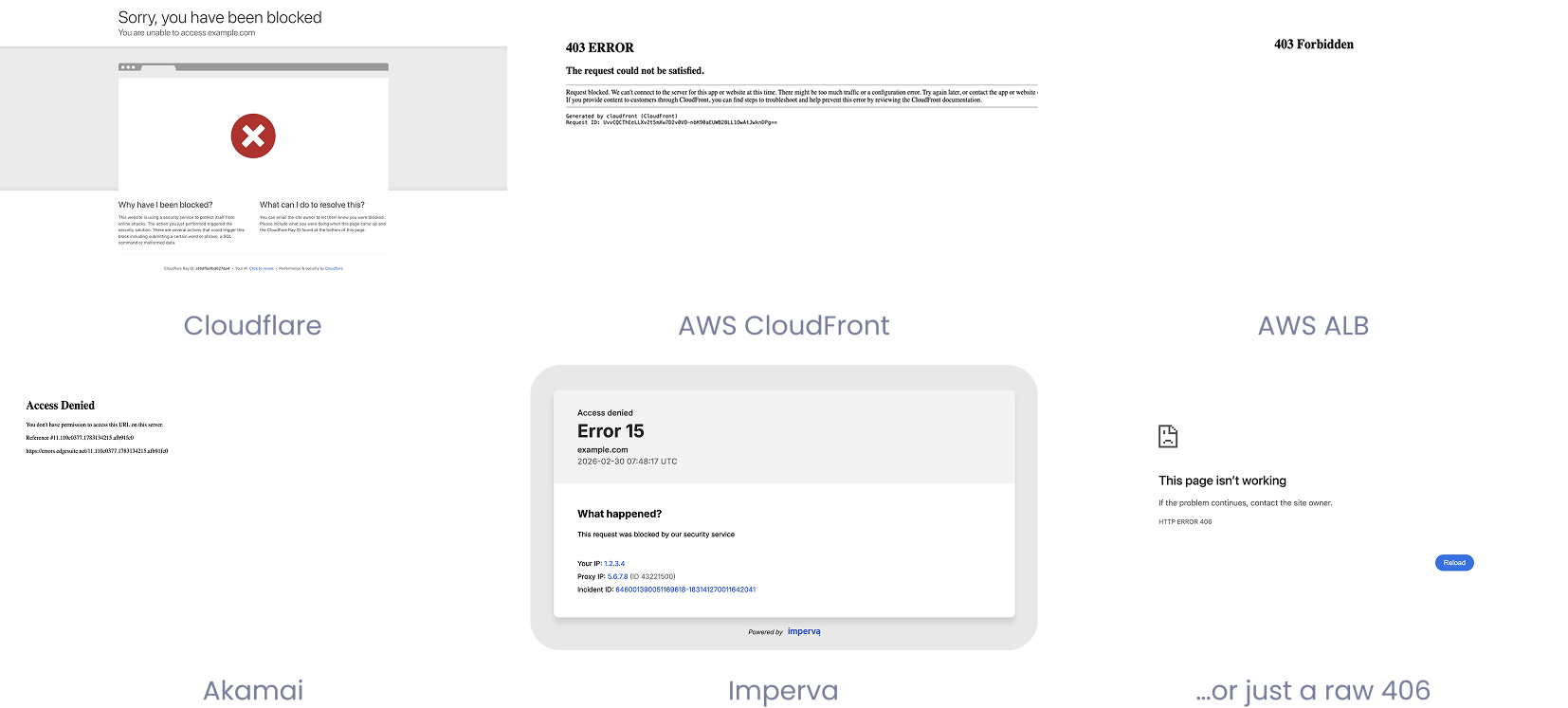
Or, if they’re lucky, they get a page like one of these - which tells an actual human being approximately nothing:
We could sit here and fabricate stories - a ticketing company blocking URIs containing “eval,” and users complaining they can’t order tickets to the Medieval festival; a regional bank named “Credit Union Select” whose customers suddenly can’t look it up; a glowing review of the Seashell Café that never gets posted. But we chose to present real, actual examples.…
okay, you got us. The Medieval one is true.
{--quote-box--}
We’ve watched real WAFs block real people over a saved workout a couple kilobytes bigger than expected - and over a timezone, written out in someone’s own language, that a browser tucked into a request header. (We’ll get to how that is possible. It’s worse than you think.)
This is a field guide to how that happens, why it’s so hard to catch, and what it costs you - told through three companies whose names we’ve changed and whose logs we haven’t.
{--divider--}
Why this keeps happening - and why it’s so hard to spot
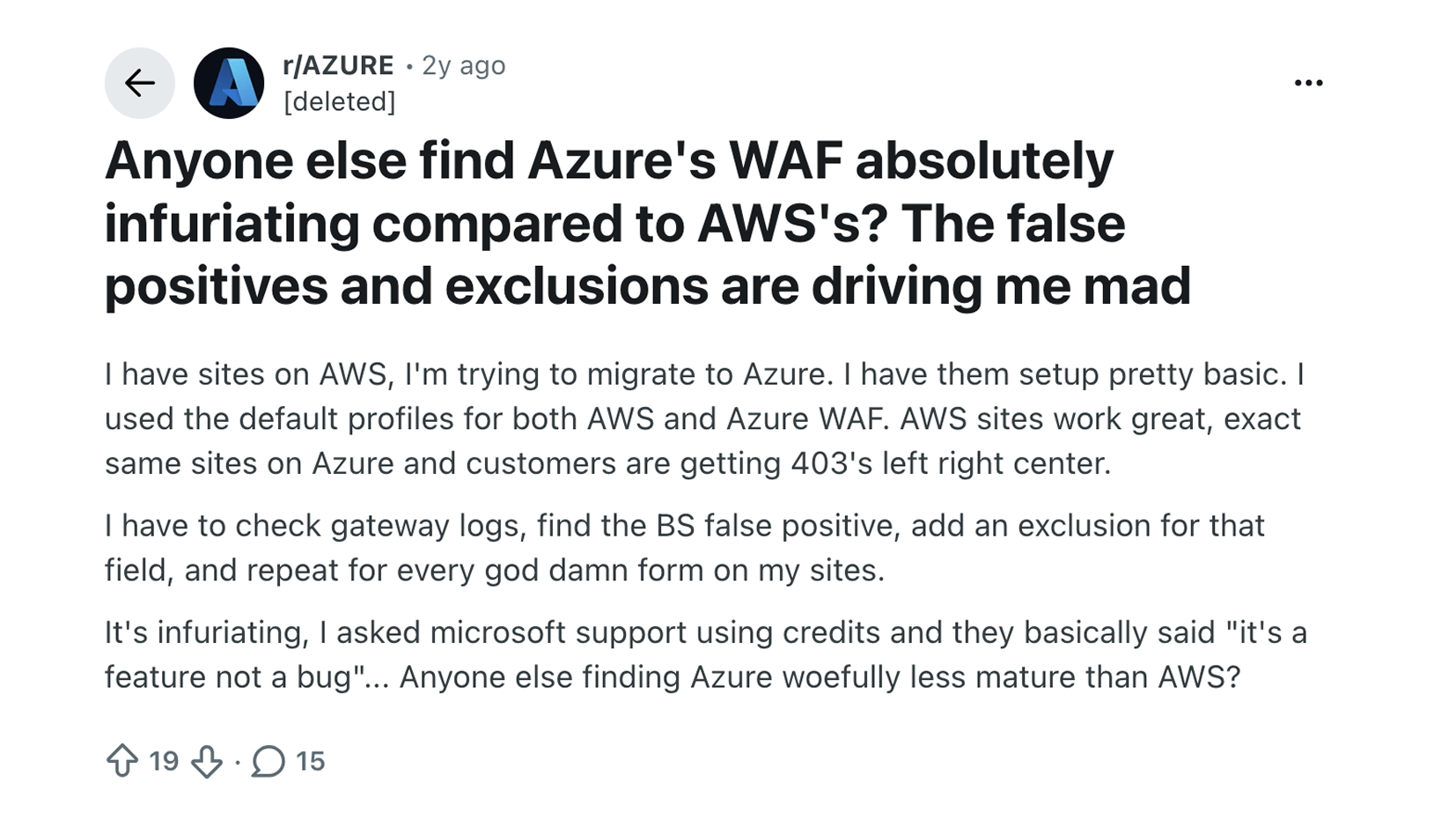
None of this is new; WAFs have always had false positives. What’s new is the pace. With LLMs in the toolchain, an app that used to change quarterly now changes weekly - new fields, new endpoints, new third-party scripts, each a fresh chance to surprise a rule written before the first prompt ever ran. The rules move too: managed rulesets from AWS, Cloudflare, Azure, and Akamai update when the vendor decides, and arrive in bulk - the OWASP Core Rule Set bolted onto new WAFs almost reflexively, hundreds of rules at once, sight unseen. So both sides move at once, and checking that they still fit together is nobody’s job.
The vendors even warn you about it - in their own documentation:
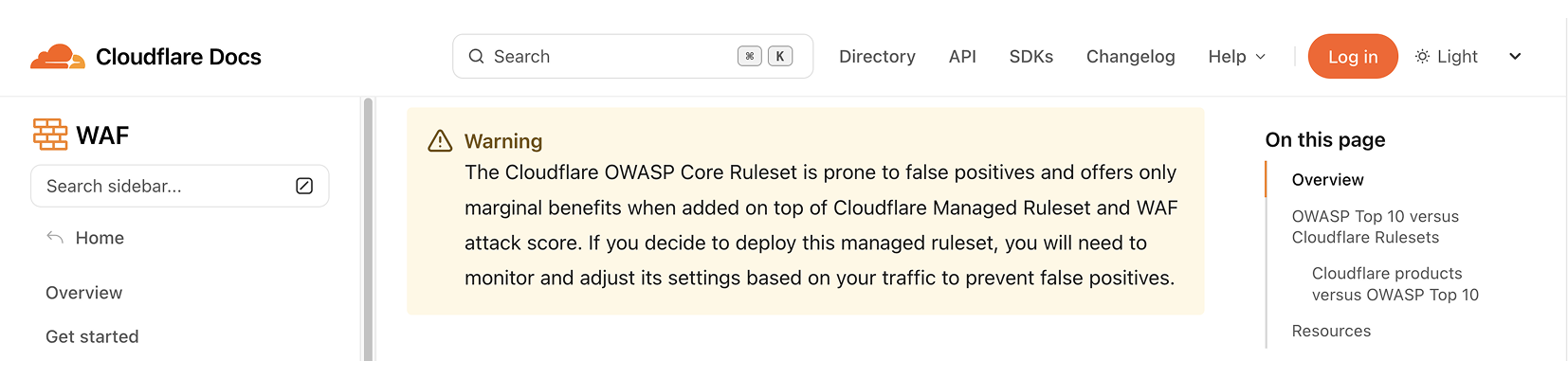
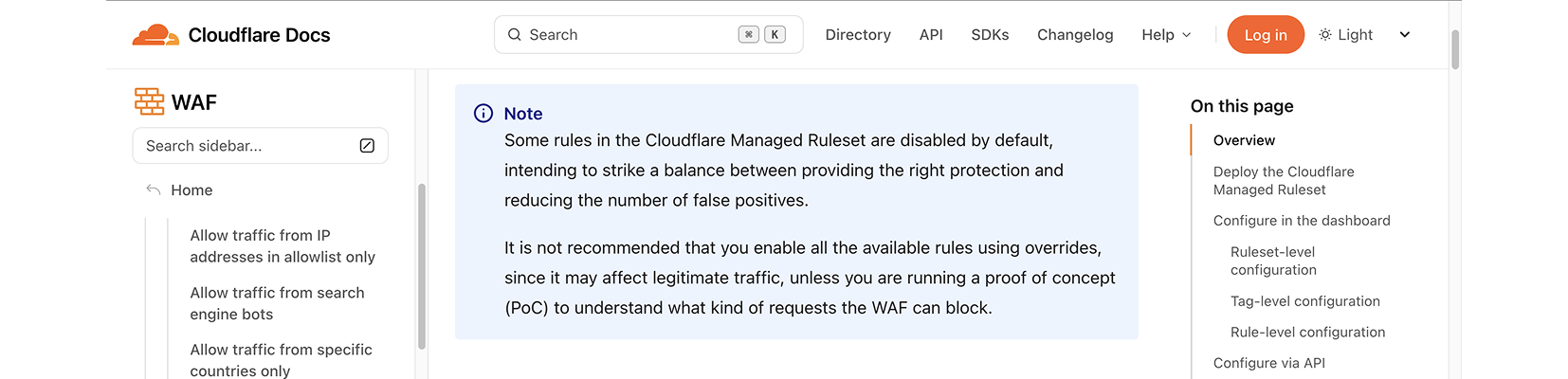
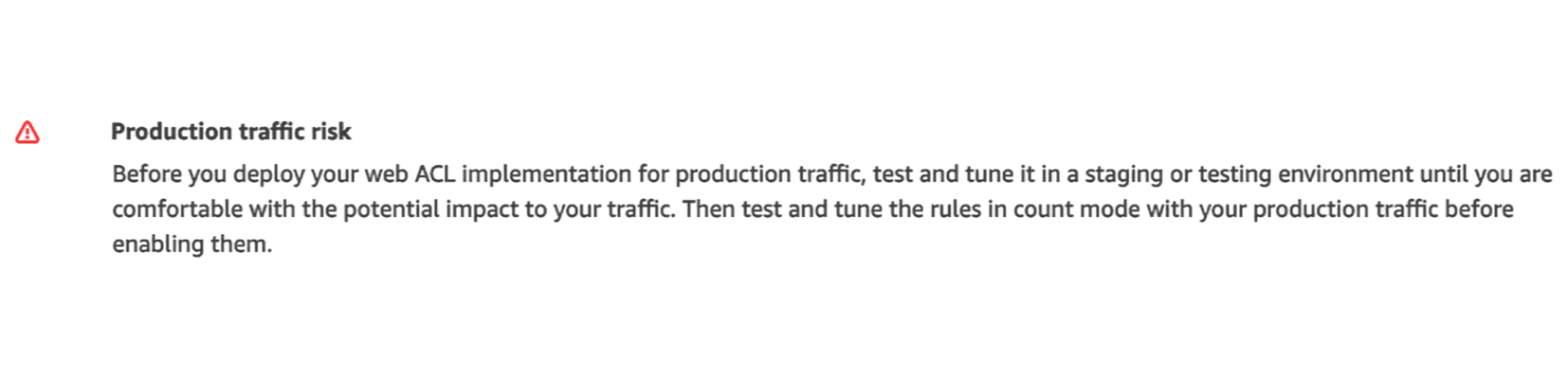
The industry often clicks deploy anyway, and it’s hard to blame anyone. Doing it “properly” means running every new rule in count mode for weeks, combing through everything it would have blocked line by line, deciding attack-or-customer for each - then repeating it on the next app release, and the next ruleset update. Nobody staffs that. So: enable, deploy, hope for the best.
{--highlight--}
Because the wrong ones are nearly invisible. The share of wrongly blocked requests is usually tiny - a fraction of a percent - but it’s a fraction of your best-intentioned users, and it never reaches your application logs: the request died at the edge. The evidence lives only in the WAF logs, which most teams open twice a year. Users don’t file tickets - they retry, give up, and trust you a little less. Every instrument reads normal: green dashboards for the CISO, a soft dip in conversion for the CFO, no ticket for support - no widget anywhere for “legitimate customers we turned away.” And it’s often just a couple of endpoints under specific circumstances, invisible even to the app’s own telemetry: a cross-origin block reaches the frontend as a generic “network error,” lost in the flaky-wifi noise nobody investigates.
Some rules cause constant friction with legitimate traffic; others are perfectly safe - a browser-fingerprint rule, when browsers change shape every release, is trouble; a geo rule usually isn’t. One picture tells that better than a wall of rule names, without publishing anyone’s config: how often each managed rule, across the configurations we see, gets switched from block to count - whether the whole group was set to count, or someone singled out that one rule:
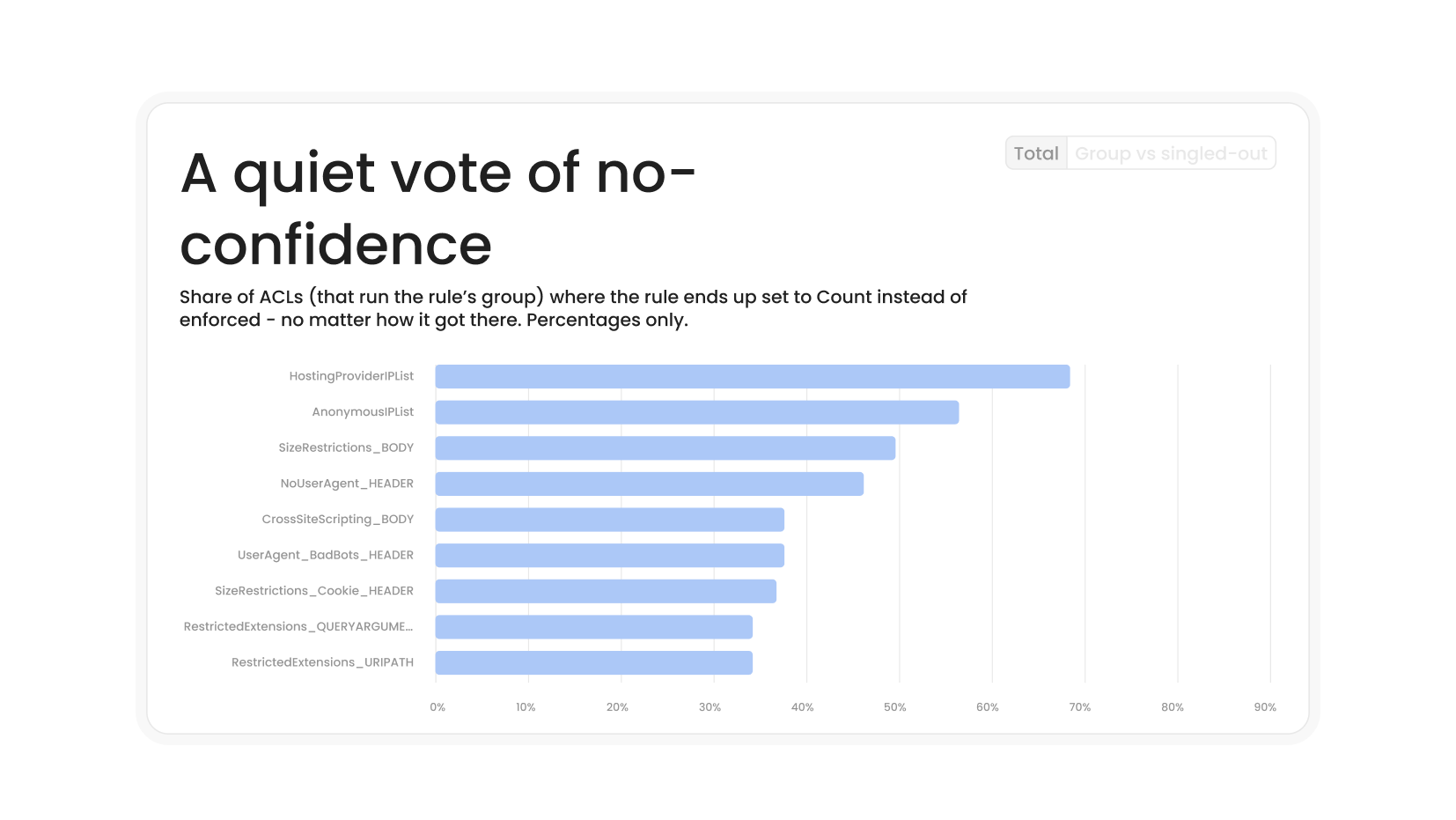
The rules teams disable most are not random. SizeRestrictions_BODY, the anonymous-IP rules, the no-user-agent check - the rules starring in the stories below are the very ones teams keep switching off by hand. And the “fix” is rarely a scoped exclusion for the endpoint that suffered: it’s the whole rule, gone on every path, usually right after it burned something visible - protection lost exactly where it was doing its job, while the teams that haven’t flipped it yet keep blocking real users unaware. Some overrides are deliberate and sound (counting HostingProviderIPList while AnonymousIPList keeps blocking is a real policy); the rest just tell that same story - burned once, switched off everywhere, stayed off.
And sometimes the false positive is your own paperwork. Config drift is a category of its own:
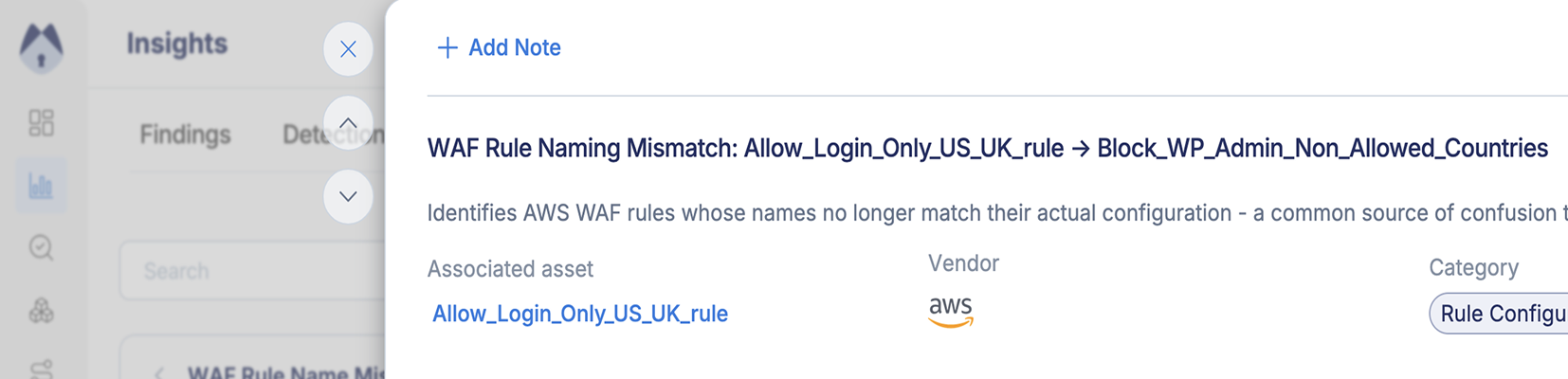
- A rule whose name no longer matches what it does - Allow_Login_Only_US_UK_rule that, read closely, allows Spain too. Trust the label and you’ll misread your own coverage.
- A Cloudflare exclusion written http.request.uri.path starts_with "checkout" - no leading /. The real path is /checkout, so the expression never matches, the exception never fires, and your users stay blocked.
- Partner subnets allowlisted in one account but not in all accounts, regions, and vendors. The same integration works Tuesday and gets throttled Wednesday depending on where its requests land. Nothing “misfired” - your policies are just out of sync.
This one shows up constantly - here’s a real example from one of our customers:
Field notes
Story 1
Too big, too fast
And now, three stories that show exactly this in the wild - the same managed-rule families you’re running right now.

Trailhound is a fitness app: you run, hike, or walk the dog, the app records your route, and you share it with friends - millions of users, almost all on phones. When you tap Share, the app POSTs your workout to the API - stats, a note, and the GPS trace. Most workouts weigh a few kilobytes. A long Sunday trail run with a detailed route? More like 21.
Almost every WAF ships with a request-body size limit, and almost everyone turns it on without reading the fine print. On AWS it’s SizeRestrictions_BODY, part of that same AWSManagedRulesCommonRuleSet from the intro. Default limit: 8 KB. It exists for a real reason: the WAF only inspects the first chunk of a body, so an attacker could hide a payload past where inspection stops - blocking oversized bodies closes the hole.
Trailhound’s team had actually done the responsible thing. They knew about the 8 KB default, knew their workouts ran bigger, and got themselves an effective limit of 20 KB - more than double the default. Generous, right?
1. Some overrides tell smaller stories, too: a curious number of teams single outUserAgent_BadBots_HEADER- quite possibly clearing the way for their own DAST scanner, which announces itself honestly in its User-Agent. Understandable - but a User-Agent is a string anyone can type. Recognize your scanner by its source IP range or a pre-shared secret header, and let the bad-bots rule keep doing its job.
2. Cloudflare has its own version - a Managed Ruleset rule namedAnomaly: Body - Large. Different numbers, same idea.
3. “Effective” limit, because the managed rule’s 8 KB threshold itself isn’t editable - the 20 KB is an arrangement of rules, not a setting.
4. It also depends on the content, obviously - a tiny request can be malicious, and a huge one can be a perfectly honest workout; size alone proves nothing either way. The catch: the WAF inspects the body in flight, but rarely logs it - so when you’re judging a block after the fact, size is often all the evidence you have left.
5. Even “maxlength="50"” is slippery - 50 ofwhat? In the browser,maxlengthcounts UTF-16 units, so an emoji (two units) leaves room for 25. On the wire there are only bytes: fill that field with fifty Chinese characters and, after UTF-8 and percent-encoding, they leave the browser as 450. The WAF measures the wire - we checked against a live rule.
6. Cloudflare has its own version of the same mistake - askiprule, one tempting checkbox away from “skip all remaining custom rules,” or entire phases, managed rules included.
7. Severity matters more than count. Acritical-severity match - an SQL-injection signature, say - is weighted heavily enough to cross the anomaly threshold by itself; that’s exactly what happens below, one match, one block. It’s the lower-severity rules that usually need company to cross the line.
8. Cloudflare Managed Ruleset rule IDf54fdca634604cbfb51e0b96eb93c074, for anyone who wants to look it up in their own zone.
9. Italian carries the same curly apostrophe (Ora legale dell’Europa centrale) and fails identically.
10. AWS shippeddynamic label interpolationin May 2026 - the matched rule and request ID can be dropped straight into the custom response body. Cloudflare has offered similar templating for a while.